


How to Download BC Game

Did you type “BC Game download” into the search bar and get twenty pages with green buttons? That always happens. I would start somewhere else. First the official domain, then the file.
A little context before you touch anything. The brand has been running since 2017, it is operated by Twocent Technology Limited (registered in Belize) and it works under a gaming license from Anjouan, in the Union of the Comoros. There is no separate Argentine edition; it is the international platform with a Spanish interface. Here online gambling is regulated province by province, and each player checks that part before opening an account. Adults aged 18 and over only.
The general route has four steps:
- Open the official site in your phone’s browser. Chrome on Android, Safari on iPhone.
- Look for the Application tab or the download option shown on the site itself.
- Choose your system. Android gives you an APK file. On iPhone there is no file, just a shortcut that is pinned to your home screen.
- Finish the installation, open the new icon and log in with your account.
To download BC Game you do not need to go through any store, and that confuses more than one person. If someone shows you a Google Play or App Store listing with the casino logo, be suspicious. The brand does not publish there.
Download BC Game for Android
On Android the installation happens outside the store. The BC Game APK is a package you download with Chrome and that the system installs when you give it permission.
Why does Android get so insistent? Because it treats any app that does not come from Google Play the same way. It will ask you to authorize the browser to install unknown apps. After that it may add a Play Protect notice saying the file came from outside the store and offering to scan it. That notice does not say the app has a virus. It says Google has not reviewed it on its own.
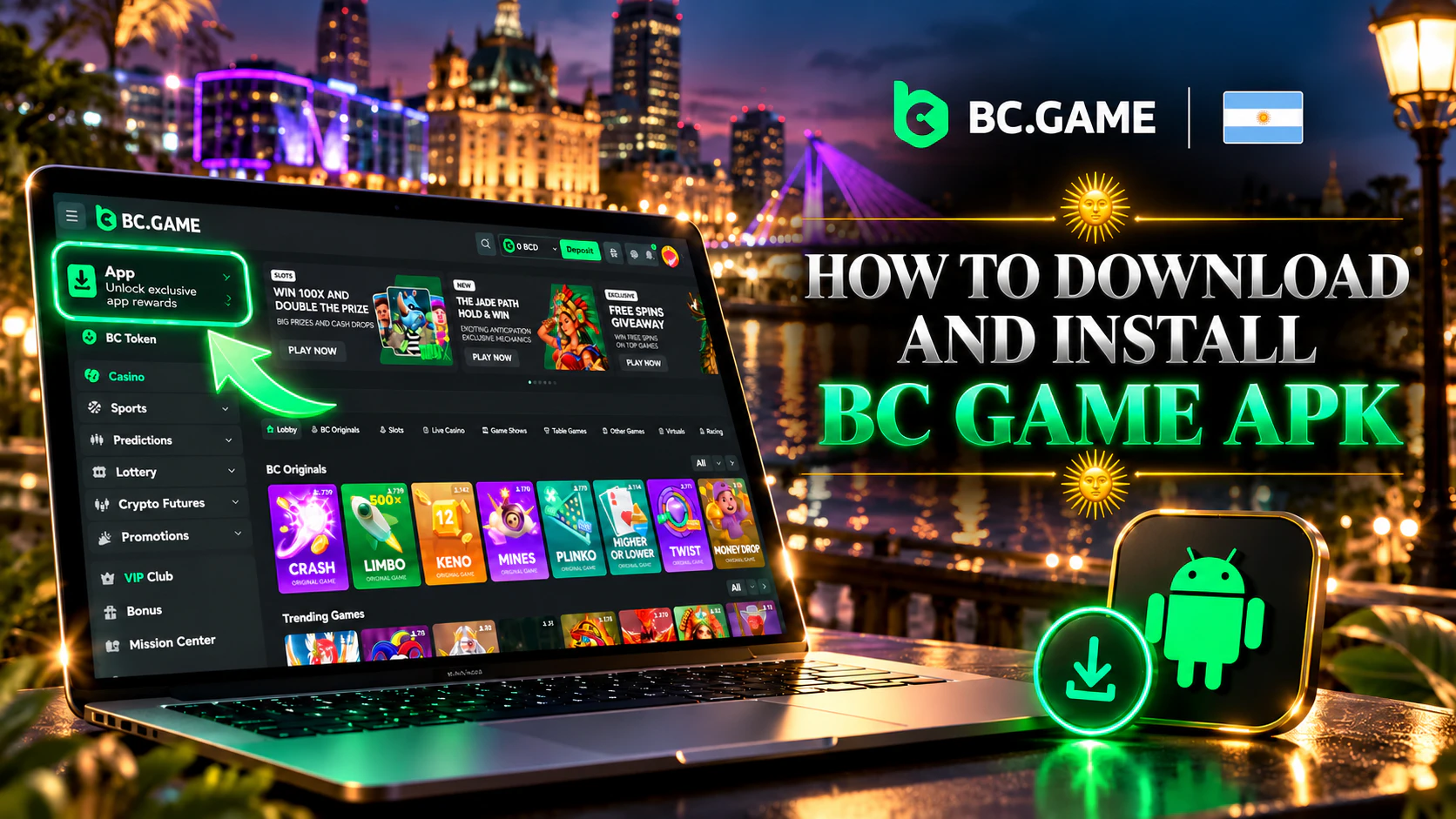
How to Download and Install the BC Game APK
Before downloading the BC Game APK, connect to a stable Wi-Fi network. Then follow this order:
- Open Chrome and type the official site address yourself. Do not enter from a link someone sent you in chat.
- Tap the site menu and look for the Application tab, or the Android download option.
- Confirm when Chrome asks whether you want to keep the file.
- Open the file from the download notification or from the Downloads folder.
- If the system blocks the installation, tap Settings in that same notice and enable the permission to install unknown apps for Chrome. On older devices the switch is called Unknown sources and is under Security.
- Go back and tap Install. If Play Protect appears, accept the scan and continue.
- Open the app from the new icon and log in.
When you open the BC Game app for the first time, it will ask whether it can send you notifications. You can change that later in your phone’s settings.
One detail almost nobody does and I do recommend. Once the installation is done, go back to Settings and revoke Chrome’s permission to install unknown apps. BC Game Android keeps working the same, and your phone stays closed to any other file that slips in tomorrow.
Download BC Game for iPhone
Here the story changes completely. There is no app in the App Store and there is no file for iPhone either. What the brand offers is a web app, meaning the site saved as an icon on your home screen.
BC Game iOS then runs on Safari, even if you do not see it. That has a clear advantage. You install nothing from outside, you do not touch profiles or certificates, and you give the phone no special permissions.
If a page asks you to install a configuration profile to get the casino on your iPhone, close it. That is not the official method.

Última utilização 6 minutos atrás
How to Install BC Game on iOS
There are fewer steps than on Android and no warnings in between:
- Open Safari. It has to be Safari, because the shortcut is created from its menu.
- Go to the official site by typing the address by hand.
- Tap the Share button, the square with the arrow pointing up.
- Scroll down that menu until you find Add to Home Screen.
- Keep the suggested name or enter a short one, and confirm with Add.
- Find the icon on your home screen, open it and log in.
What if you do not see the Add to Home Screen option? It is almost always because you opened the site inside another app, for example from Telegram’s or Instagram’s internal browser. Copy the address, paste it into Safari and repeat from step three.
BC Game Download Options
Here are the alternatives side by side.
| Device | Installation method | Format | Source | Features |
| Android phone or tablet | Download with Chrome and manual installation | APK file | Official site, Application tab | Own icon, push notifications, updates with a new APK |
| iPhone and iPad | Safari, Share, Add to Home Screen | Web app | Official site opened in Safari | No file, updates itself |
| Computer | None, you use the browser | Website | Official site | Large screen, nothing to install |
Notice that in all three rows the source is the same. Your phone also opens the site in the browser without installing anything, with the same account.
Requirements to Install BC Game
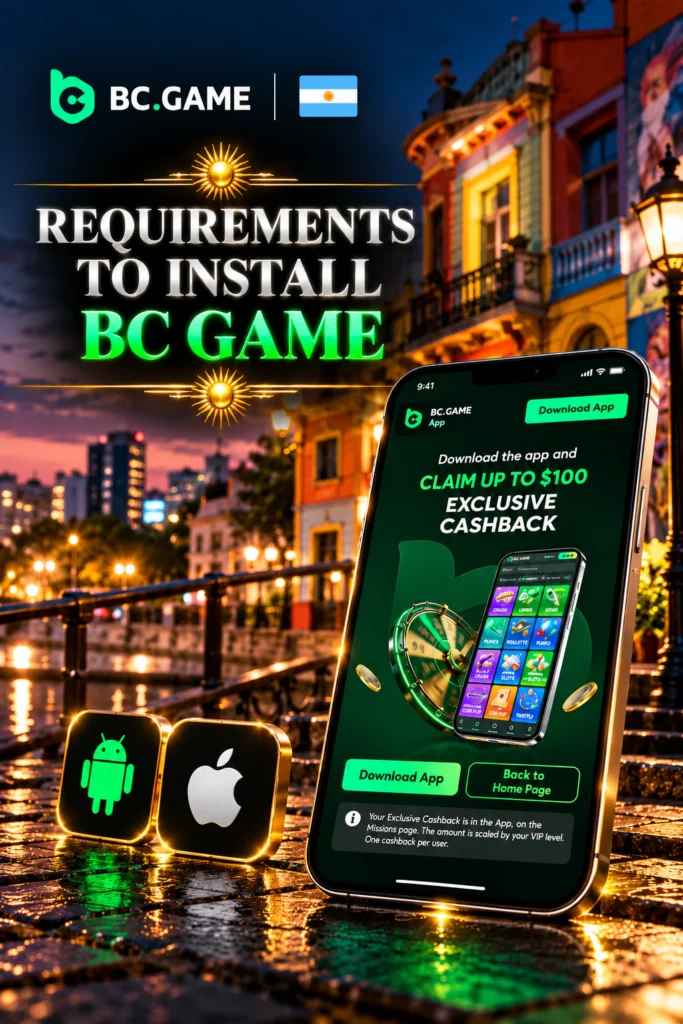
The brand’s guide gives two concrete figures and nothing more. BC Game Android requires version 5.0 of the system or later. On iPhone and iPad the floor is iOS 11.0.
And the file size, RAM, free space? They are not published. I have seen sites throwing around megabytes with decimals, but they have no source for them.
To find out which version you have, on Android go to Settings and About Phone. On iPhone, Settings, General, About.
Requirements for Android and iOS
The two platforms ask for different things because they install different things. Android stores a full application in memory. The iPhone stores barely a shortcut and loads the rest from the internet every time you open it.
With that in mind, this is what I would have ready:
- Plenty of free space on Android. Since the size is not published, do not aim for just enough.
- A connection that does not drop. Home Wi-Fi to download the file, and mobile data with a good signal to play afterward.
- An up-to-date operating system. An updated device receives security patches, and that matters when you are going to move money.
- Automatic date and time. A clock set wrong breaks secure connections and the site will not load.
System Requirements for BC Game
| Requirement | Android | iOS |
| Operating system | Android 5.0 or higher | iOS 11.0 or higher |
| File size | Not published | Not applicable, there is no file |
| Available space | Not published | Not published |
| Connection | Wi-Fi or mobile data | Wi-Fi or mobile data |
| Browser for installation | Chrome | Safari |
| Updates | The app notifies and the new APK installs over the previous one | Automatic |
How to Update BC Game
Here the paths split again.
On Android there is no store to update for you. The BC Game app notifies you when a new version is out, and the procedure is to install the current file over the one you already have, without uninstalling anything:
- Accept the notice inside the app, or go to the official site with Chrome.
- Download the new file from the Android download option.
- Open it. Android will ask whether you want to update the existing app.
- Confirm and wait for it to finish.
Is anything lost in the process? No. Your balance, your history and your bonuses live in the account, not on the phone.
One signal to keep in mind. If Android refuses to install the new file over the previous one and mentions a package conflict, stop. It usually means one of the two versions did not come from the same source. Uninstall, download again from the official domain and try again.
On iPhone and iPad there is nothing to do. The web app always loads the version published on the site.
BC Game App vs. Mobile Version
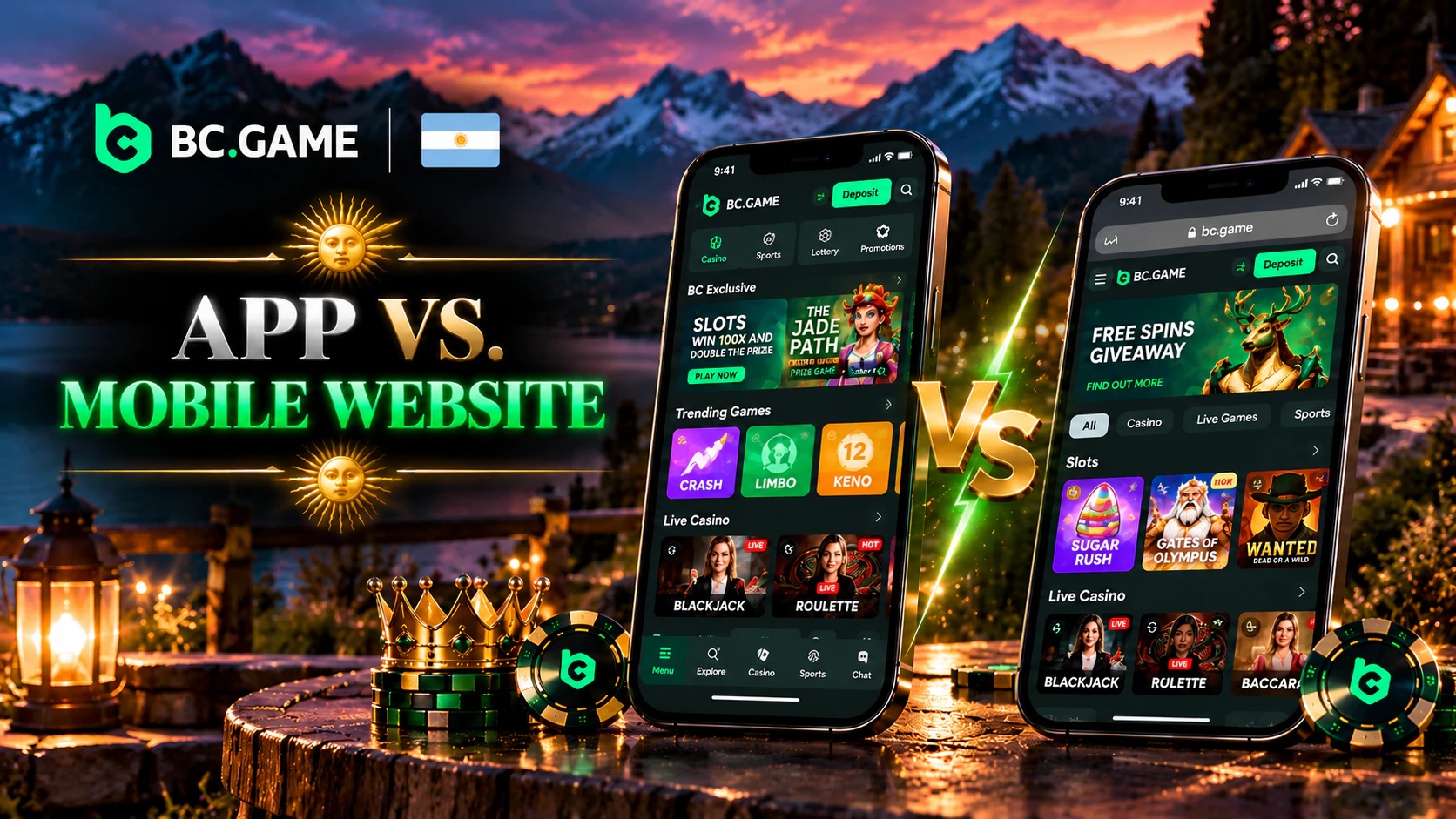
Is it worth installing, or is the browser enough? In what matters, the two options are the same.
- Games, account and payments. Same catalog, one user and the same wallet with the same coins and networks.
- Promotions. The Bonus section shows the same thing. I found no offer reserved for those who install.
- Access. The app opens from an icon. In the browser you type the address or save it to favorites.
- Notifications. The app sends push alerts. A closed tab tells you nothing.
- Updates. The mobile site and the iPhone web app are always up to date. The Android APK is yours to renew.
On speed, there are no published figures showing that the app loads faster than the site. I would not choose based on that.
If you play often from your phone, the icon and the alerts save you steps. If you log in now and then, the browser does the same job.
Problems Downloading or Installing BC Game
Almost all the snags fall into five cases, and none of them is serious.
- The file does not download. Chrome sometimes leaves the download paused. If it stays stuck at zero, the problem is the connection.
- The phone blocks the installation. The permission for unknown apps is missing for Chrome, or Play Protect is waiting for your answer.
- There is no space. Android cuts off the installation without much explanation.
- Incompatible system version. With an Android older than 5.0 the package will not install. Stick with the mobile version of the site.
- The connection drops. An incomplete file gives an error when you open it. Do not try to repair it, delete it and download it again.
Última utilização 6 minutos atrás
What to Do If BC Game Will Not Install
Follow the list in order and stop as soon as it works:
- Check the system version.
- See how much free storage you have left and make room if you are at the limit.
- Delete the file you downloaded and download it again over Wi-Fi, with Chrome and from the official site.
- Check that Chrome has permission to install unknown apps.
- If you had an old version or one downloaded from somewhere else, uninstall it first.
- If it is still the same, write to live chat, which is open 24 hours, or to [email protected], with your device model and your Android version.
What I would never do is turn off Play Protect or look for another version on a forum. If the official installer will not go in, the plan B is the browser.
How to Download BC Game Safely
The results for the search “BC Game download” mix the brand’s site with copies and clones. The official domain is bc.game, and the help center publishes the list of authorized mirrors. If the address you have open is not listed there, close the tab.
Then there are the MOD APKs. They promise infinite balance, unlocked bonuses or a Crash “that predicts the round”. None of that exists. The balance and the results are calculated on the platform’s servers, and a modified file cannot touch them. What it can do is read what you type and send it to someone else.
My rules for downloading the BC Game APK without any scares:
- Type the address by hand and check the domain letter by letter before you tap the button.
- Do not install modified, patched or “premium” versions.
- Do not accept installers sent to you via Telegram, WhatsApp or email, even if the sender claims to be support.
- Do not give your password or your 2FA code to anyone.
If you are unsure about the file you installed, uninstall it, change your password from the official site and enable 2FA. Keep in mind that changing your password pauses withdrawals for 24 hours.
Logging In After Installing BC Game
Installing the app does not create a new account or ask for one. You log in with the one you already have, and you will see the same balance and the same history as on your computer.
The ways to log in are the usual ones. Email with password, phone, Google or Telegram, and for logging in you can also use passkey and Cwallet. If you have 2FA active with Google Authenticator, it will ask for the code, so keep that app handy.
Not registered yet? You can do it from the app with the Sign Up button. That said, one account per person. Opening a second user to try the app ends in restrictions.
Última utilização 6 minutos atrás
Bonuses in the BC Game App
I found no exclusive bonus for installing. If a site promises one in exchange for downloading its file, be suspicious.
What the app has is the usual Bonus section, with the four-deposit package that renews every month:
- First deposit, 180% with a minimum of $5.
- Second deposit, 240% with a minimum of $10.
- Third deposit, 300% with a minimum of $20.
- Fourth deposit, 360% with a minimum of $30.
It applies only to crypto deposits, requires no code and is claimed manually in Bonus after depositing. It arrives as locked BCD, which is released with each settled bet. The cycle resets on day 1 at 00:00 UTC, which in Argentina is 21:00 on the last day of the previous month.
Rakeback and the daily bonus are also claimed from your phone. Play with money you can afford to lose, because this is entertainment and not a source of income.